Every customization visible.
Every requirement provable.
devonso was the analysis solution for Microsoft Dynamics 365 and the Power Platform.
Anyone making customizations over the years — in-house teams, outside service providers, changing owners — eventually loses the overview: what changed, why, and who can access what. devonso made both sides traceable — the technical side of customizations and the regulatory side of access and evidence.

Overview shrinks as complexity grows
The longer a Dynamics 365 or Power Platform environment grows, the more hands have worked on it — in-house teams, changing service providers, individual departments with their own no-code customizations. Each change is documentable on its own. Over the years, though, the sum of these changes becomes a system no one fully oversees anymore.
- Customizations and their dependencies are no longer fully traceable
- Access rights and role changes grow unobserved alongside the system
- Knowledge of "why was it built this way" sits with individual people
- Audits and evidence become a search instead of a lookup

What devonso analyzed
devonso combined two analysis disciplines in one platform: the technical side of customizations and the regulatory side of access and evidence — both on the same data store, kept independent of Dynamics 365 itself.
Understanding customizations before they become a risk
Instant Analysis
Fast, direct search across code and no-code customizations in the current state of the environment — including dependencies.
Deep Analysis
Historical data and snapshots for trend analysis: how a customization evolved over time.
Development Tracking
Ongoing monitoring of development changes with notifications and environment comparison.
Access and evidence, fully documented
Audit
Configurable monitoring and analysis of audit logs — stored tamper-proof outside Dynamics.
Security
Manages security configurations, table and principal privileges in one central overview.
Security Audit
Specifically tracks changes to security roles and their assignment over time.
User Profiling
Defines and manages user profiles across roles, teams, and permissions.
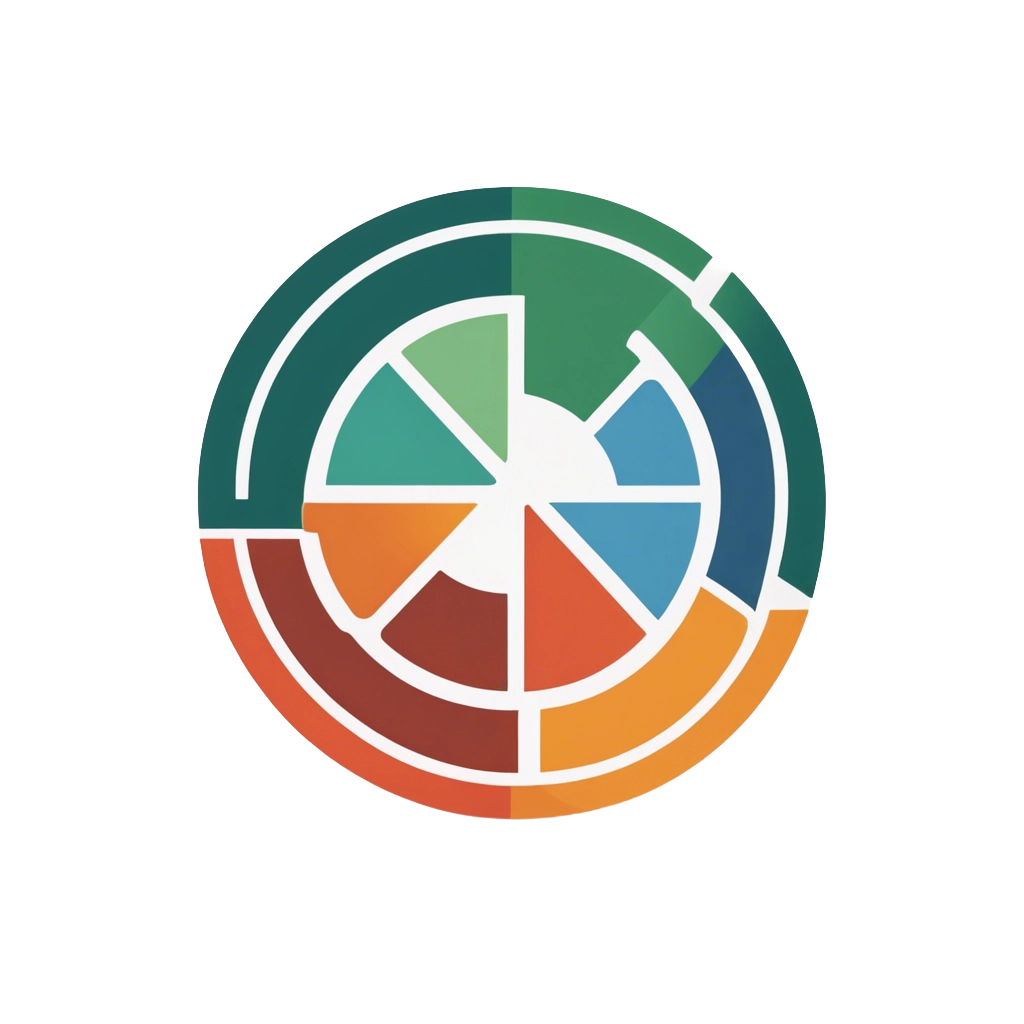
The devonso module wheel
Seven modules, two disciplines, one shared view of the environment: the module wheel stood for the principle behind devonso — customization analysis and compliance analysis never ran against each other, but on the same data store.
Seven roles, one shared data store
System administrators, developers, project managers, compliance managers, team leads, architects, and controlling all looked at the same overview with devonso — instead of seven separate, outdated extracts.
System administrators run the day-to-day operation of the Dynamics 365 and Power Platform environment — and carry the main burden when customizations become hard to track.
Developers implement customizations and need to keep track of existing code, past changes, and their dependencies.
Project managers plan and steer the implementation of customizations — and depend on reliable information about scope, risk, and progress.
Compliance managers must be able to prove at any time who made which changes and whether access rights meet requirements.
Team leads and Scrum Masters coordinate several developers at once and need to track who is working on what, and which permissions that requires.
Software architects are responsible for the overall architecture and need to keep the interactions between components in view even as complexity grows.
Controlling assesses the economic viability of IT projects — a task that is hard to perform without reliable data on past customizations.
What a lack of overview cost
The consequences rarely stayed within IT — they showed up in the budget, in audits, and in client relationships.
Costly fixes instead of small corrections
Poorly implemented customizations led to downtime or data loss — and were slow and expensive to fix without documentation.
Liability risk from incomplete evidence
Unclear audit trails made it harder to prove compliance — with real legal and financial consequences.
Slow onboarding, locked-in knowledge
Without a central overview, new employees and service providers needed significantly longer to become productive.
Downtime costs revenue and trust
Undetected dependencies led to longer outages — and, for service providers, to fewer follow-on contracts.
28 documented use cases, four process areas
From system administration to controlling — every use case describes the problem, the approach without and with devonso, and the concrete outcome.